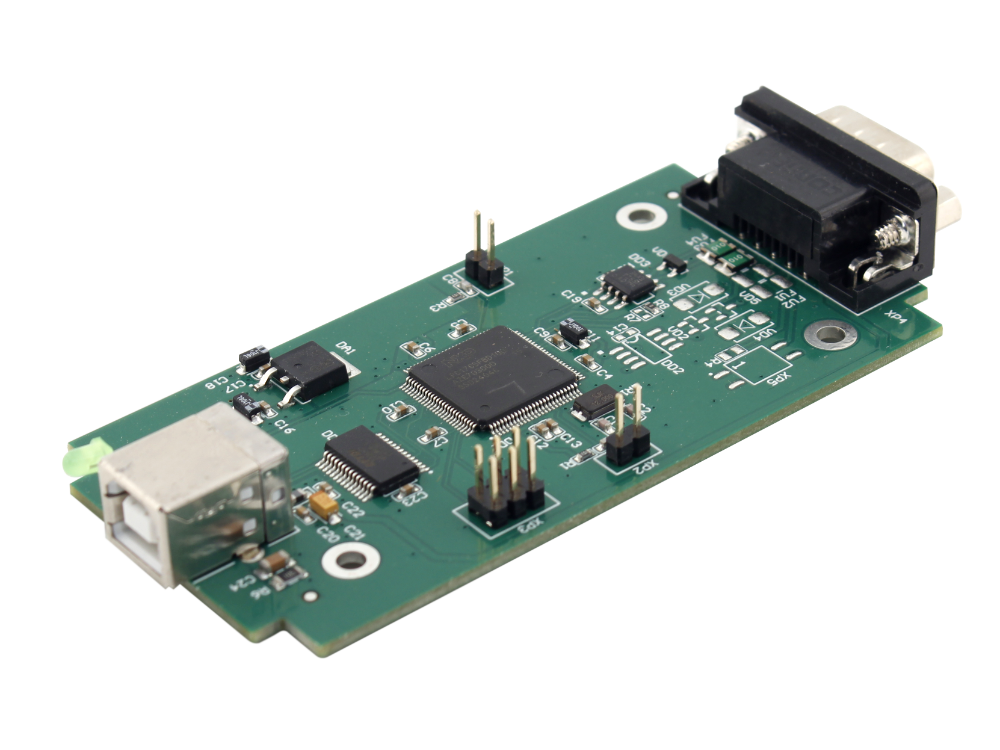
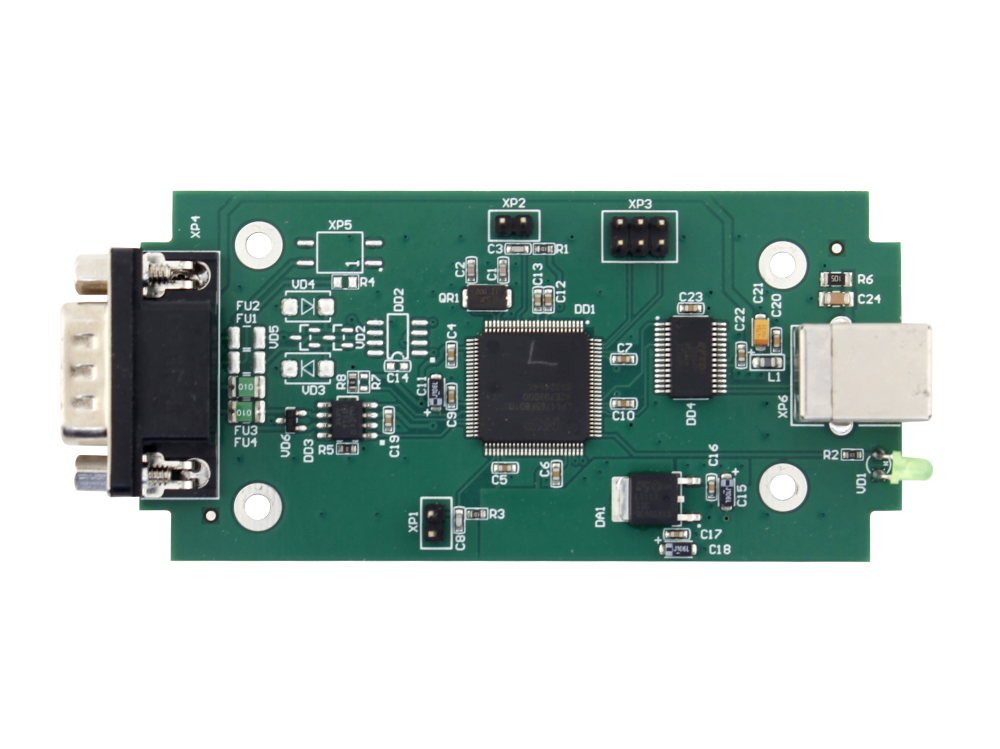
BI Connect Configurator
Key features
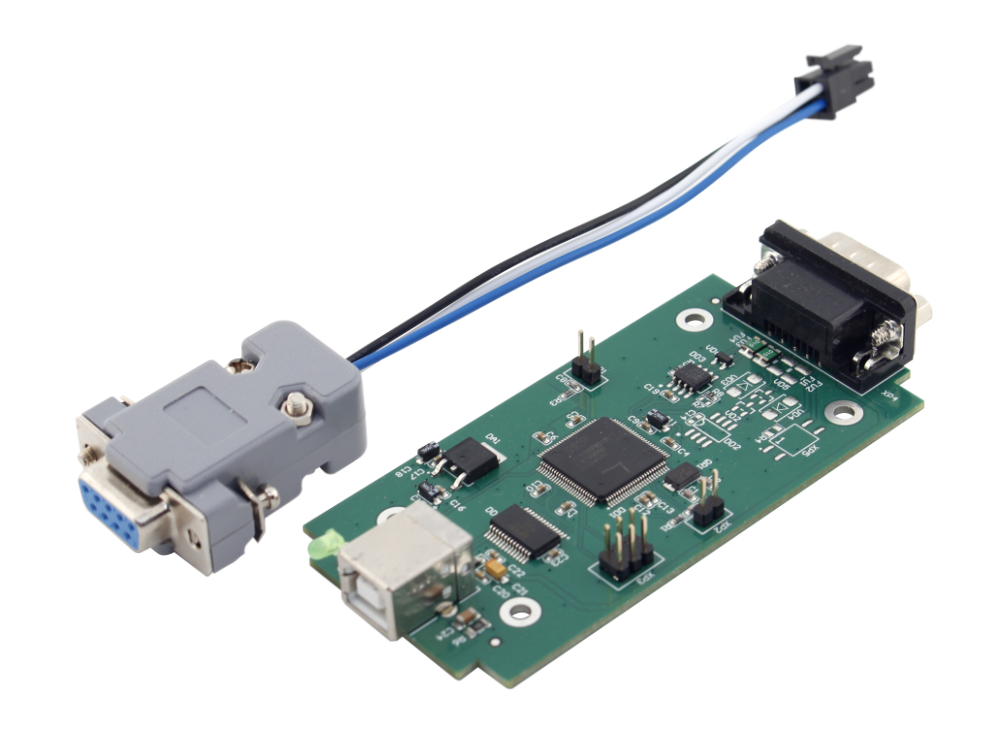
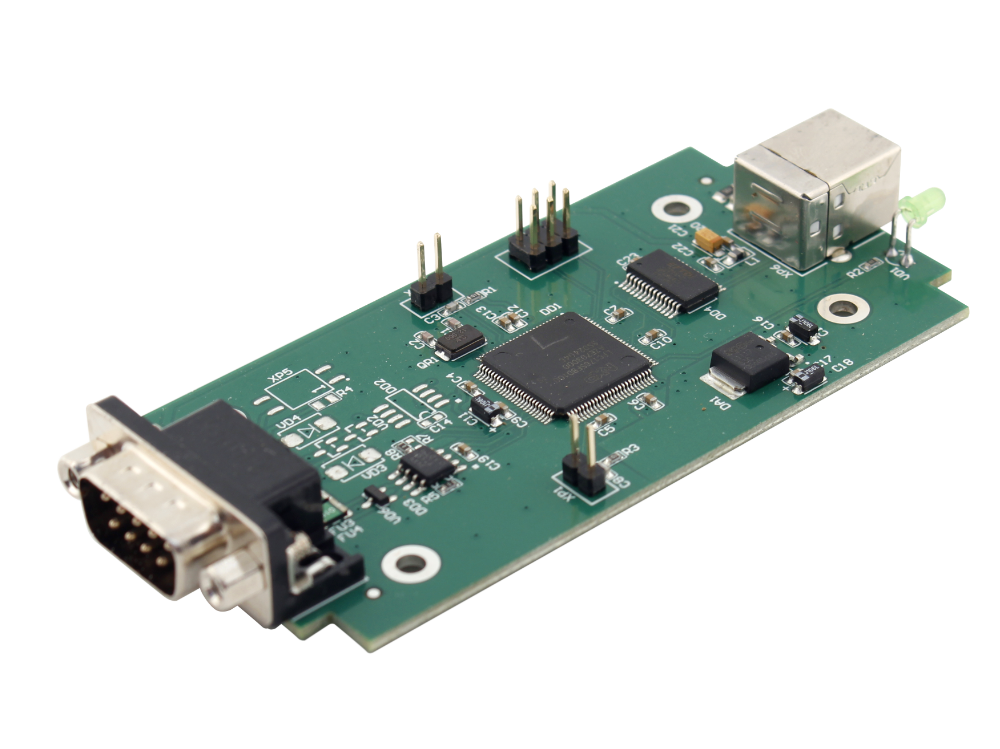
BI Connect Configurator is used to configure trackers and modules of the Bitrek Connect system before installation and operation. It has a CAN (Connect-Bus) interface and allows you to configure any modules of the system.
Main features
- Compatible with all Bitrek Connect trackers and modules
- Supports Windows 10/11
Characteristics

Feeding
5 В (USB)
Connect system connection interface
CAN (Connect-Bus)
PC connection interface
USB 1.1, 2.0; USB type B

Operating temperature
from -30 °C to +80 °C
Relative humidity
5 - 95% non-condensing
Overall dimensions
145 х 48 х 15 mm
Protocols and Integration (For Developers)
-
Supported data transfer interfacesUSB 1.1, 2.0; CAN (Connect-Bus)
-
Configurationnot provided
-
Full compatibility withWindows 10/11

// FAQ
Questions and answers
Can BI Connect Configurator be used as a CAN scanner?
The device can transmit and receive information exclusively via the Connect-Bus protocol at a fixed speed. We recommend using special CAN adapters for logging.
Can I update module firmware using BI Connect Configurator?
Yes, you can use BI Connect Configurator to update the firmware. However, to fully change the module’s functionality, the flashing must be performed at the Bitrek service center.